Bitdefender Parental Control: Protect Your Child’s Smartphone with Tango
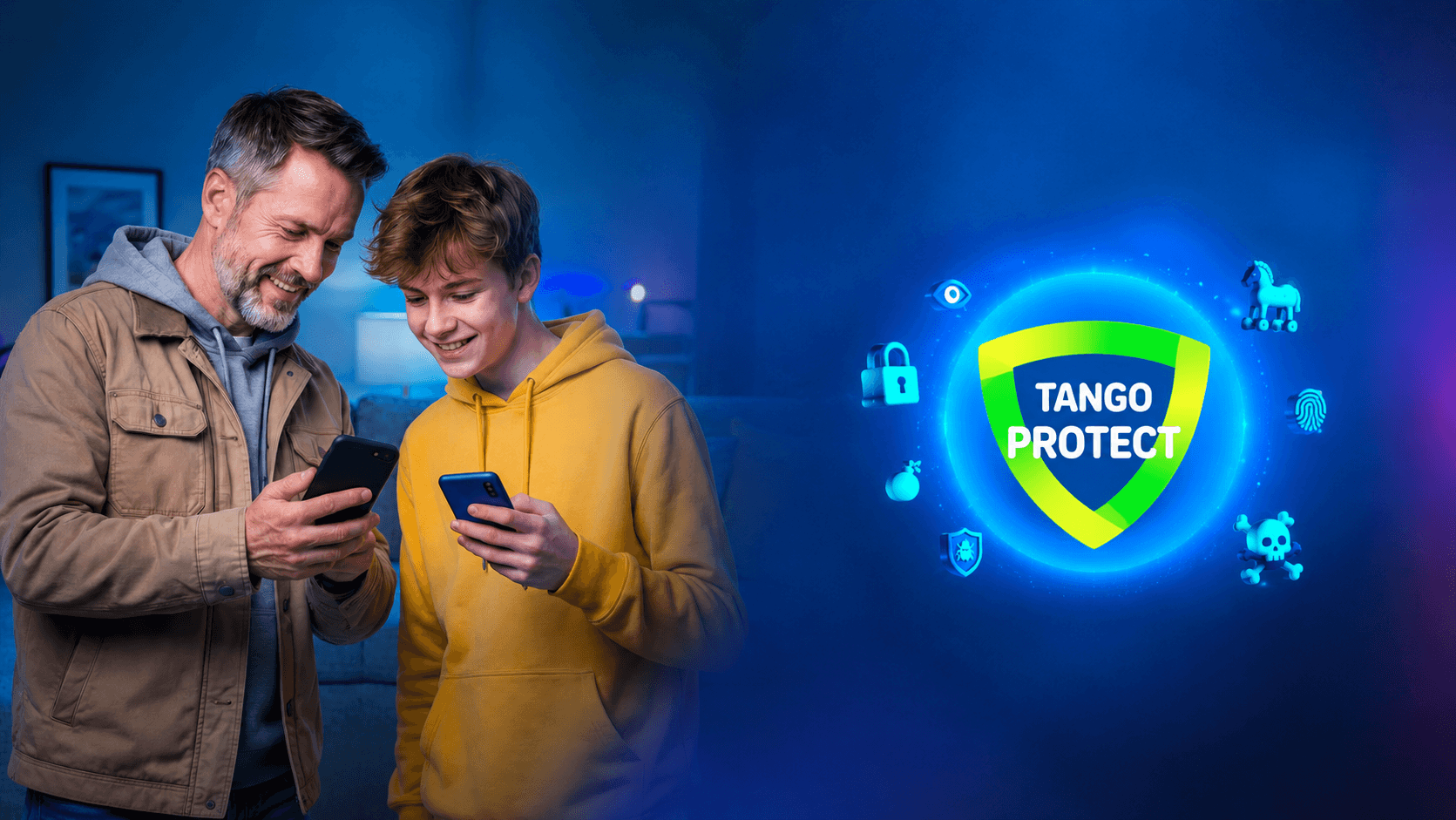
It’s a big day: are you about to give your child their first smartphone?
Tango is here to support you through this important milestone with Parental Control by Bitdefender. This comprehensive solution helps you manage your child’s digital activities and keep them safer online, while giving you greater peace of mind — without stretching your family budget.
First smartphone: finding the right balance between freedom and online safety
Getting their first phone opens up a whole new world of freedom for your child. But it can also raise some understandable concerns for parents. What kind of content will they come across? Will they spend hours on their favourite apps, even late at night?
Today, children can encounter very real online risks, from cyber threats such as phishing and malware to age-inappropriate content. Spending too much time in front of a screen can also affect their sleep and concentration.
Tango offers an accessible, practical way to help address these challenges.
With Bitdefender, a leading cybersecurity provider, you can find a better balance between giving your child independence and helping them stay safe online.
Location tracking, screen time limits and web filtering: all-round digital protection
Parental Control by Bitdefender helps create a safer digital environment around your child’s smartphone, whether they’re connected to your home Wi-Fi or using the mobile network (4G/5G).
Smart content filtering and proactive protection
With Bitdefender Parental Control, you can take control of the content your child accesses.
Set up filters tailored to your child’s age and block access to apps you consider inappropriate.
The service also acts as an invisible shield, automatically blocking malicious websites and attempts to steal personal data.
Balanced screen time, with room for discussion
Managing your child’s screen time becomes much easier.
Set daily limits or define specific time slots when smartphone use is allowed.
The app also encourages communication between parents and children. Your child can see how much screen time they have left and, if they need a little longer to finish a game or an online assignment, send you a request for additional time directly from their device.
GPS location tracking: peace of mind in real time
Does your child walk home from school alone or go out with friends?
With the built-in GPS tracking feature, you can check your child’s phone location from your own smartphone whenever you need to. It’s a useful way to give the whole family greater peace of mind.
Easy to set up, simple to use
Parental Control by Bitdefender is more than just a way to restrict smartphone use. It can also help you establish clear rules and encourage open conversations with your child about their online habits.
Getting started takes just a few minutes, even if you’re not particularly tech-savvy:
- Activate the option directly in your MyTango app.
- Click the activation link you receive by SMS to create or link your Bitdefender account.
- Install the Bitdefender Parental Control app on your child’s smartphone and sign in with your credentials to link their profile.
That’s it! You’re ready to get started.
Affordable parental control, with no commitment
With Tango, digital safety shouldn’t be a luxury. Parental Control by Bitdefender is available at an affordable price, with no hidden surprises:
- Affordable price: Just €3/month.
- Try it for free: Your first month is completely free.
- No commitment: Activate or deactivate the option whenever you like, directly from your MyTango customer account.
FAQ: Your questions about Bitdefender Parental Control
- Does parental control work when my child is connected to Wi-Fi?
Yes. Bitdefender’s protection remains active whether your child’s smartphone is connected to Tango’s mobile network (4G/5G), your home Wi-Fi or a public Wi-Fi network.
- Does the protection work when we travel abroad?
Yes. Web filtering, screen time management and location tracking remain available both in Luxembourg and abroad.
- How can my child request more screen time?
The app installed on your child’s smartphone shows how much screen time they have left. They can use a simple button to send you a request for additional time. You’ll receive a notification and can approve or decline the request straight away.
- Is Bitdefender Parental Control compatible with all smartphones?
The app is available for download on the two main mobile operating systems: Android and iOS (iPhone).
- Can I cancel the option at any time?
Yes. The service has no minimum commitment period. If your child grows up and no longer needs parental controls, you can deactivate the option at any time, free of charge, through your MyTango app.